
Strata
Disk map and uninstaller for macOS
See what is taking up space on your Mac.
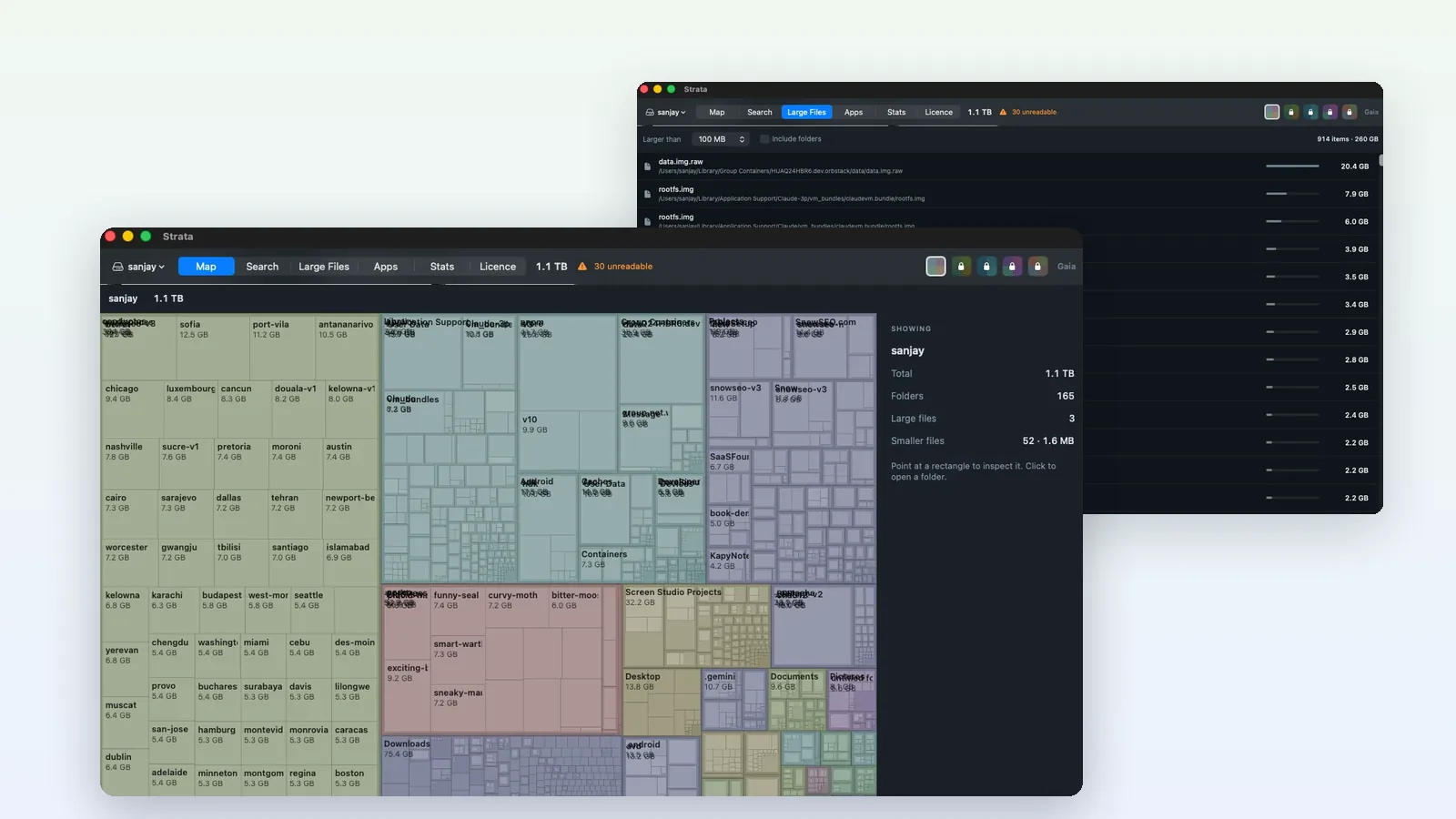
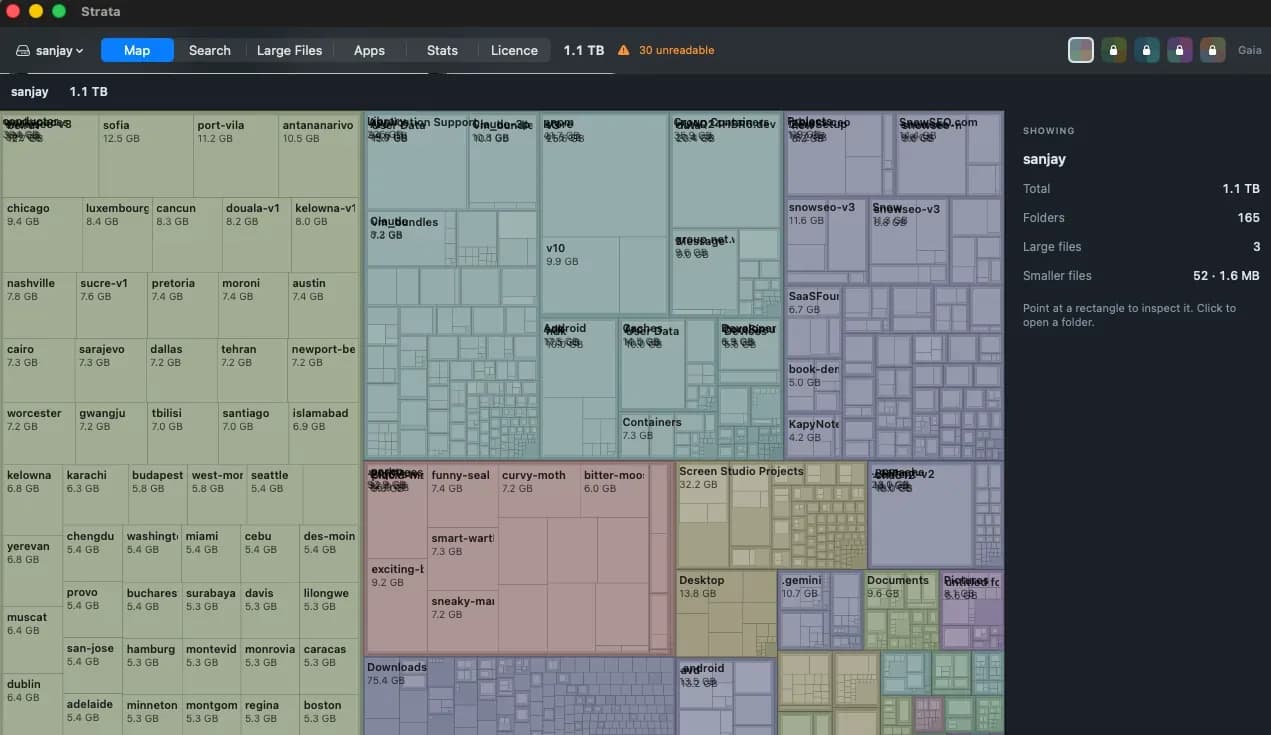
Strata maps a whole Mac drive in seconds, shows every folder at its real size, and removes what you choose in a way you can undo. Six tools share one window: the map, search, large files, an uninstaller, live readouts and undo.
macOSBuilt with Swift
- 12 MBDownload, Swift with no browser engine inside
- macOS 13+Universal build for Apple silicon and Intel
- NotarizedSigned with a Developer ID, checked by Apple
- $9.99Strata Pro, paid once; viewing stays free
Built for macOS
- Distributed directly rather than through the Mac App Store: signed with a Developer ID and notarized by Apple, so it opens cleanly on first launch.
- Memory is counted the way Activity Monitor counts it, and the live readouts run on a one-second timer that stops the moment Strata is not the front app.
- It asks for Full Disk Access and explains why: without it macOS hides Mail, Messages and Safari data from the scan, and the totals come out short.
- System-owned files are listed but never touched, and no administrator password is ever requested.
Across the product
- A squarified treemap of any drive or folder. Results stream in as they arrive, so the map is readable before the scan ends, and a full boot volume takes under a minute on most Macs.
- Sizes are what files actually occupy on disk, not the length they claim, so the totals agree with Finder on APFS, where clones, sparse files and compression make those two numbers differ constantly.
- Hard links are counted once, so Time Machine snapshots do not inflate the total.
- The uninstaller searches eighteen Library locations for an app's leftovers, grades every match, and checks each one against every other installed app first, so removing Word never offers up Excel's preferences.
- Every removal goes to the Trash, so Finder can put it back even if Strata is never opened again.
Visit stratamaccleaner.comPublished by Kapybara LLC